
Dashboard
Dashboard
The Dashboard is your kindergarten's operational overview and the first page after login.
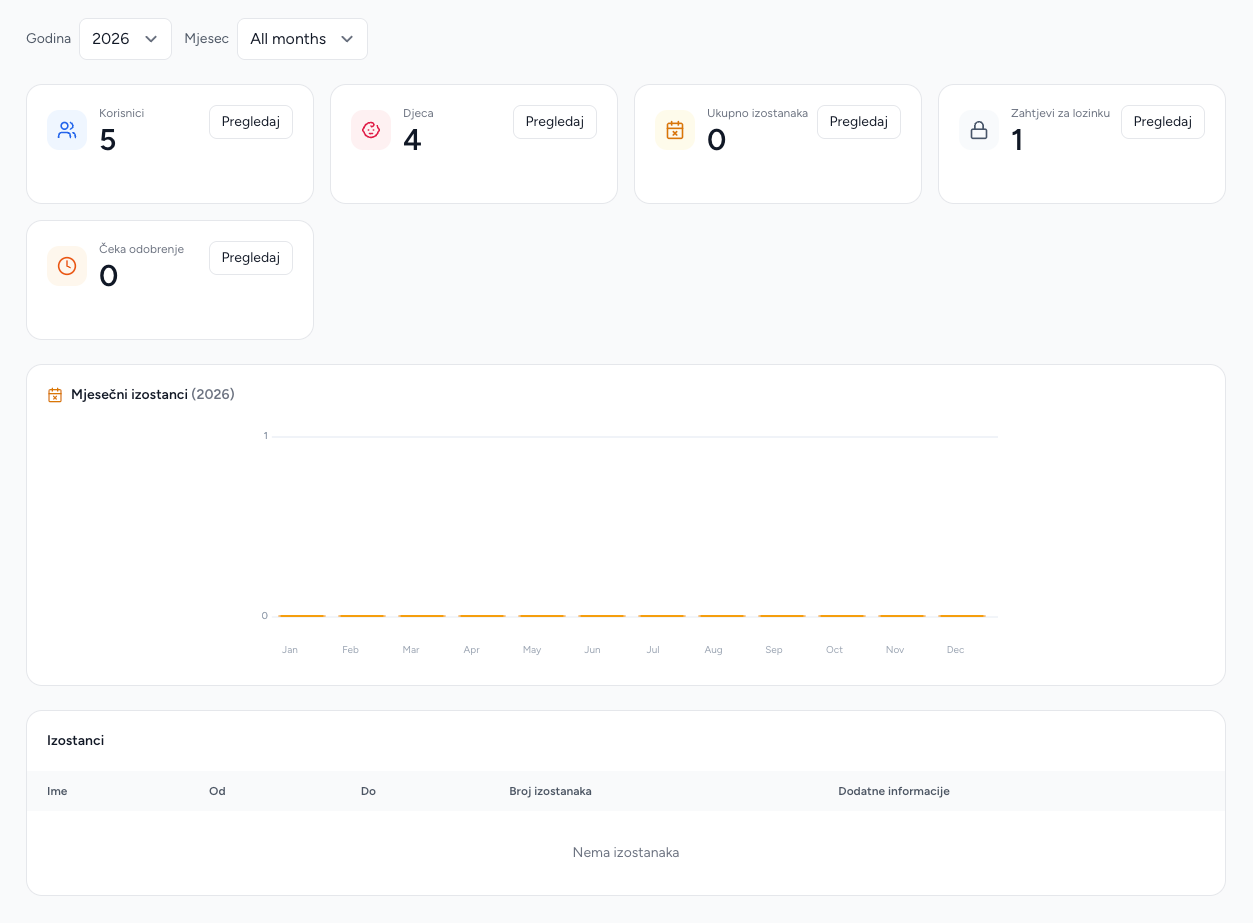
What is shown
- Total users belonging to the kindergarten.
- Total children belonging to the kindergarten.
- Total absences for the selected period.
- A monthly absence chart for the selected year.
- A month-specific absence table.
- Password-reset requests waiting for administrative action.
- Blackboard posts waiting for approval.
The year filter drives the monthly chart. The month filter can select one month; when no month is selected, the total covers the whole year while the detail table defaults to the current month.
How absence statistics are calculated
The dashboard intersects each absence range with each month in the selected year and counts weekdays only. A child absent from Friday through Monday therefore contributes two days, not four. The month table lists overlapping absence records, while the chart aggregates working days.
Recommended daily check
Review pending blackboard posts and password-reset requests first, then open Absences or Attendance from the cards when follow-up is needed. A zero value means no matching records were found for the selected filters, not necessarily that the kindergarten has no records at all.