
Brundo App
Sign in, registration and sign out
Access a Brundo App account and recover a password.
Sign in, registration and sign out
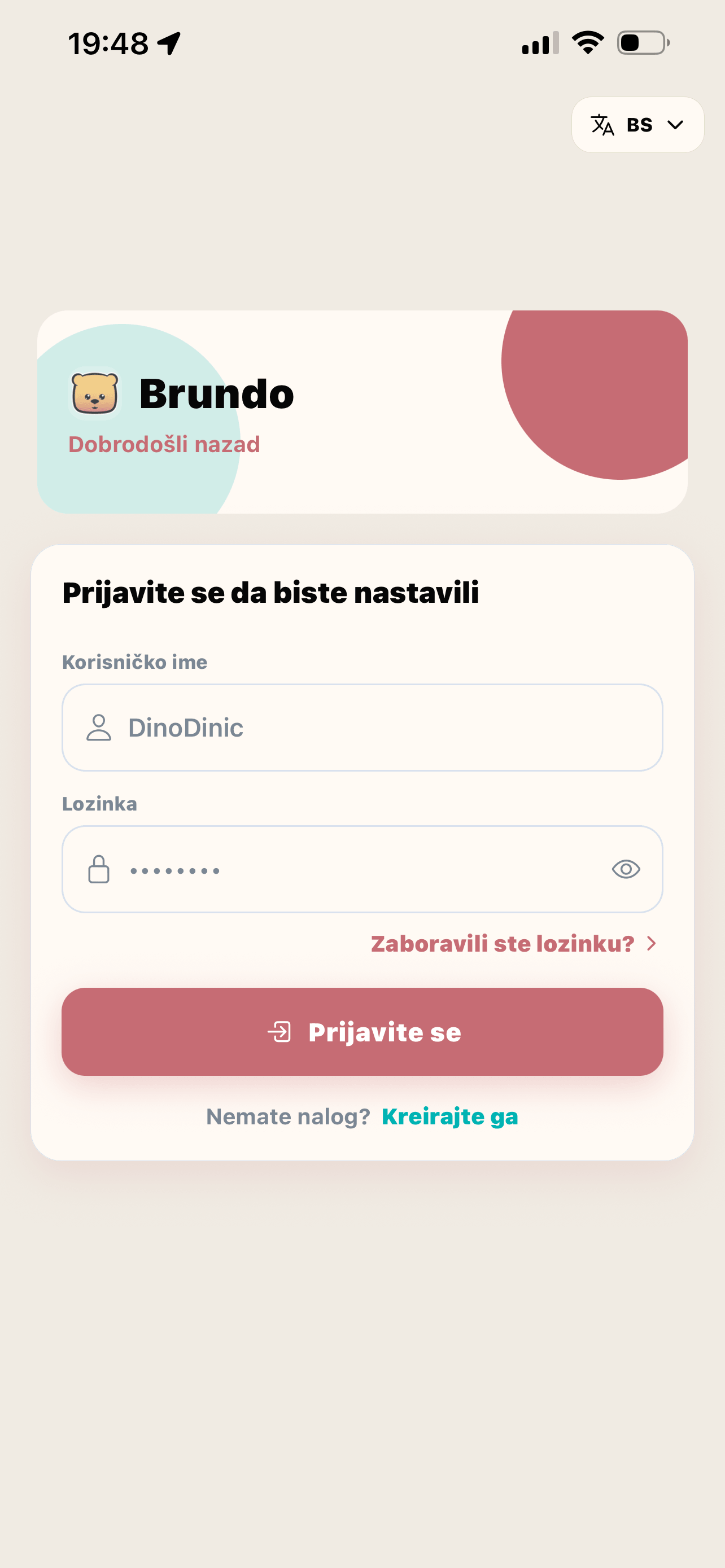
Use your username and password on the login screen to access Brundo App.
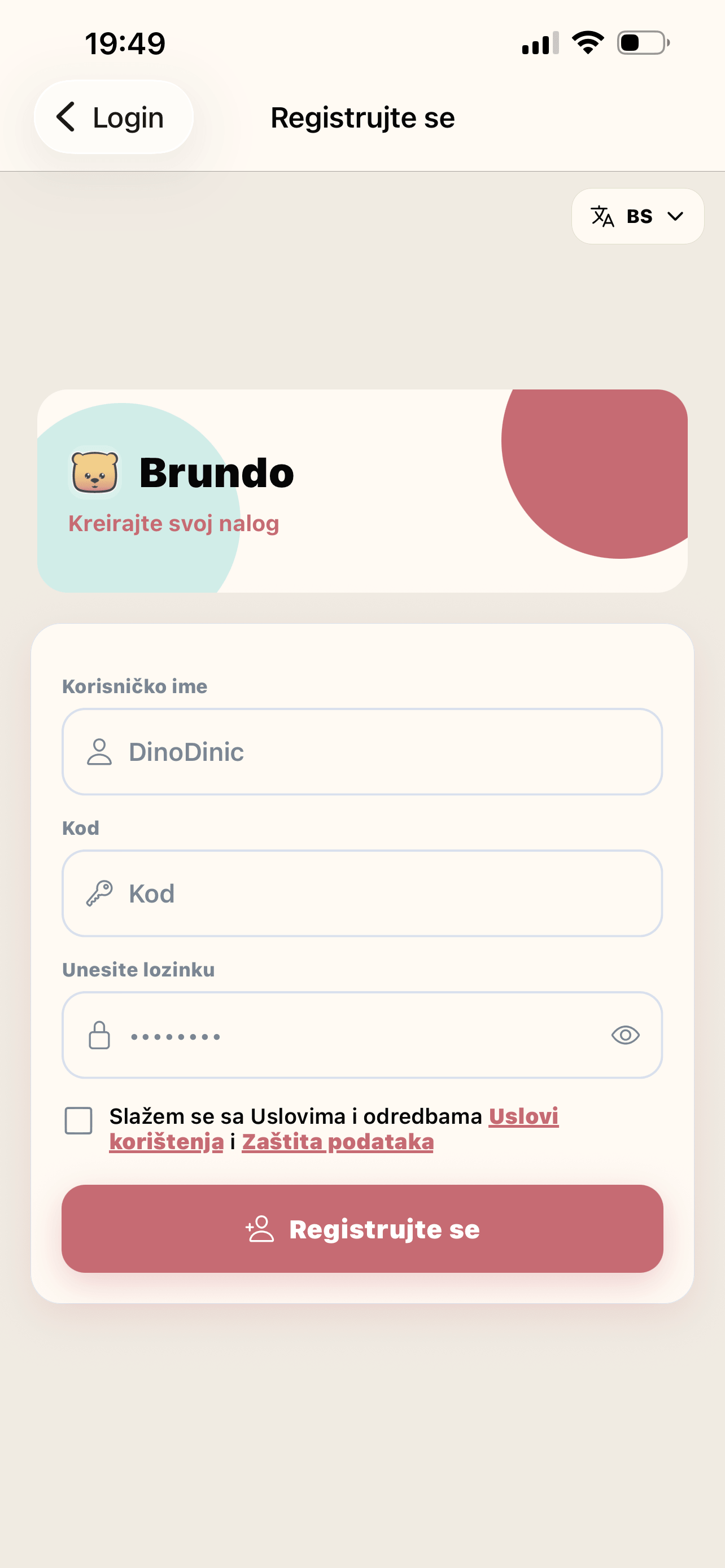
Create an account
Select Register, enter the code provided by the kindergarten, choose an available username and password, and accept the required terms before submitting.
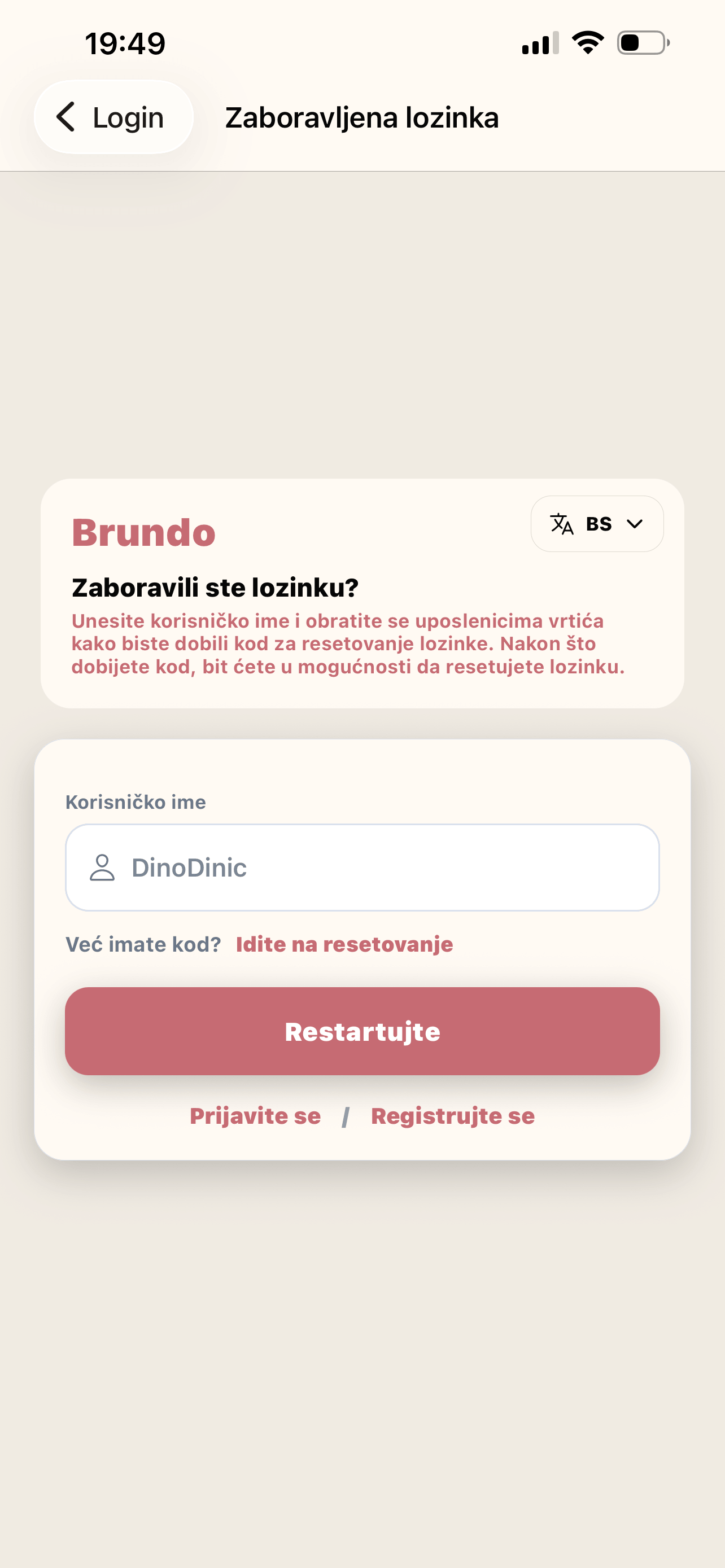
Reset a password
Choose Forgot password?, enter your username, and request a reset. When you receive a reset code, use the reset screen to set a new password.
Sign out
Choose Logout at the bottom of the drawer and confirm. This ends the current session on the device.