Absences
Absences
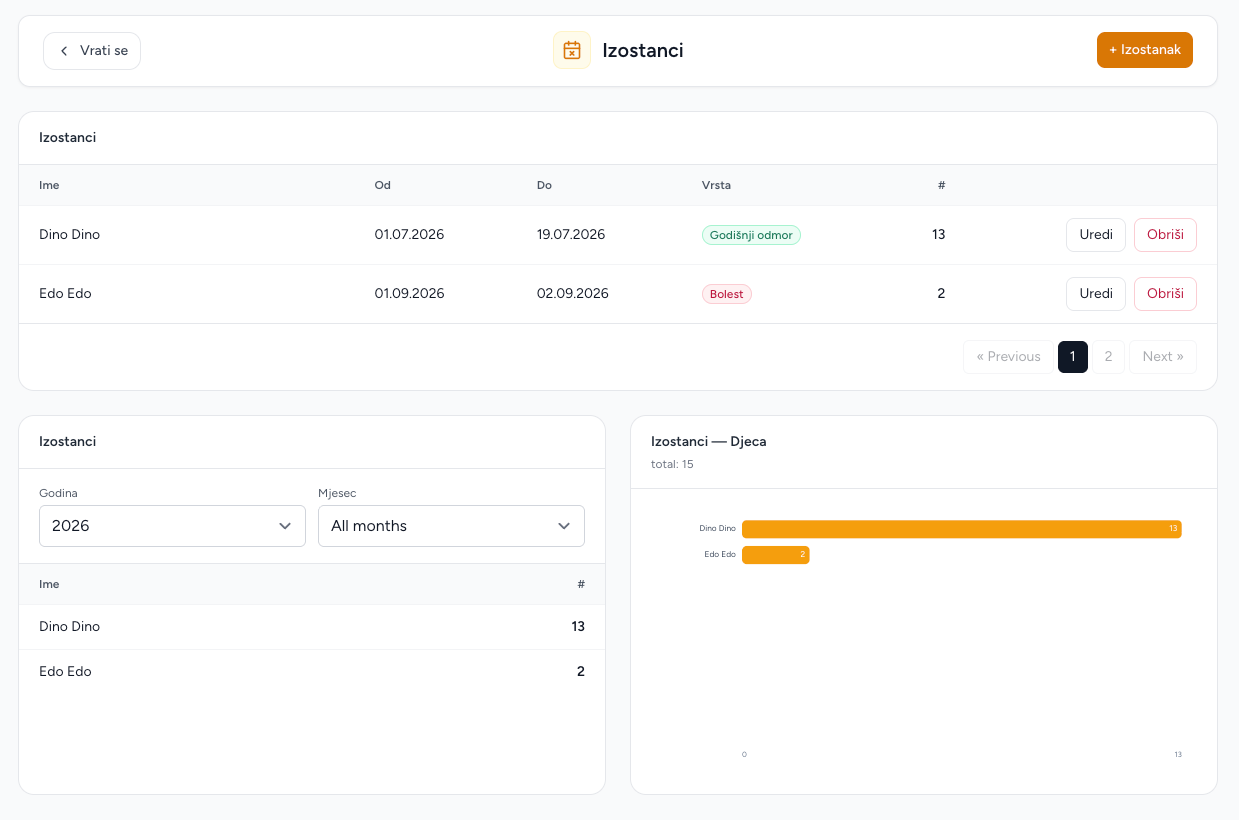
Absences records explain when a child is away from the kindergarten. The module has a paginated record list and a per-child summary/chart.
Create an absence
- Open Absences and choose Add absence.
- Select the child from the kindergarten's children.
- Enter From and To dates. The end date must be on or after the start date.
- Select the absence type and optionally add a reason.
- Save.
The absence total counts weekdays between the two dates, including both dates. Weekends are excluded. Select an absence type to keep records easy to review.
Review and filter
The main list is ordered by start date and paginated. Year and month filters affect the per-child summary and chart. A month filter counts only the working days that fall inside that month, including the correct intersection when an absence starts earlier or ends later.
Edit or delete
Use the row action to edit a record. Changing the child or date range recalculates the weekday count. Delete removes the absence record and cannot be undone from the admin UI.
Parent-reported absences
Parents can report absences in Brundo App. Those reports appear in the same Brundo Admin list and can be reviewed, corrected or removed when needed.
Important behavior
Absence totals count Monday–Friday only. Public holidays are not removed automatically, so account for them when reviewing totals.
Screenshots