Attendance
Attendance
Attendance tracks the time each child spends in the kindergarten. It has three operational views: the child overview, daily records and reports/history.
Child overview
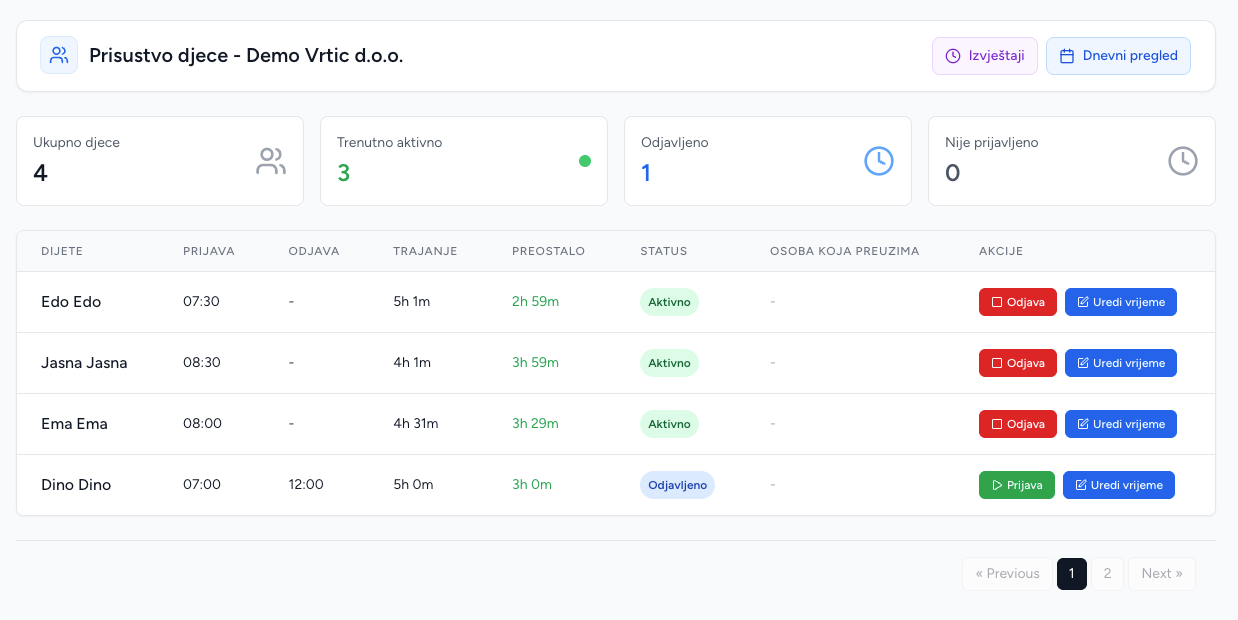
The main Attendance page lists kindergarten children and today's attendance state. For each child it can show check-in time, check-out time, active status, elapsed time, remaining time, approaching-limit state and over-limit state.
Daily workflow
- Select the child and choose Check in when the child arrives.
- The system creates or reopens today's attendance record and marks it active.
- During the day, active elapsed time is calculated from the check-in time.
- At pickup, choose Check out and record the pickup person and optional pickup information.
- The system calculates total minutes and marks the record inactive.
A child cannot be checked in twice while an active record exists. A check-out is rejected when there is no active record. Reopening a completed day resets its check-out and total and starts a new active interval.
Daily view and manual correction
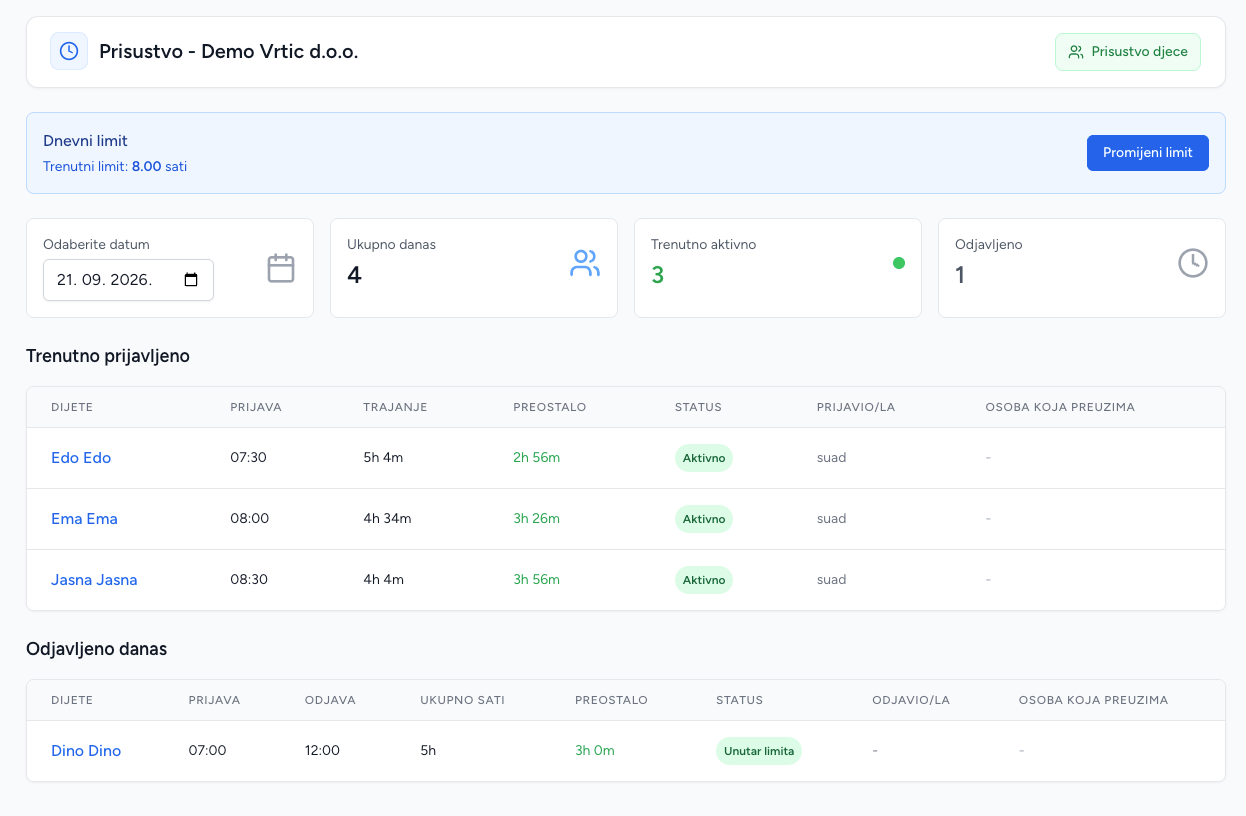
The daily view can be opened for a date and shows who checked in, who checked out, who performed each action, pickup details and live/recorded duration. Admins can manually update check-in and check-out times when a device or operational mistake needs correction. Supplying a check-out makes the record inactive and recalculates total minutes.
Reports and child history
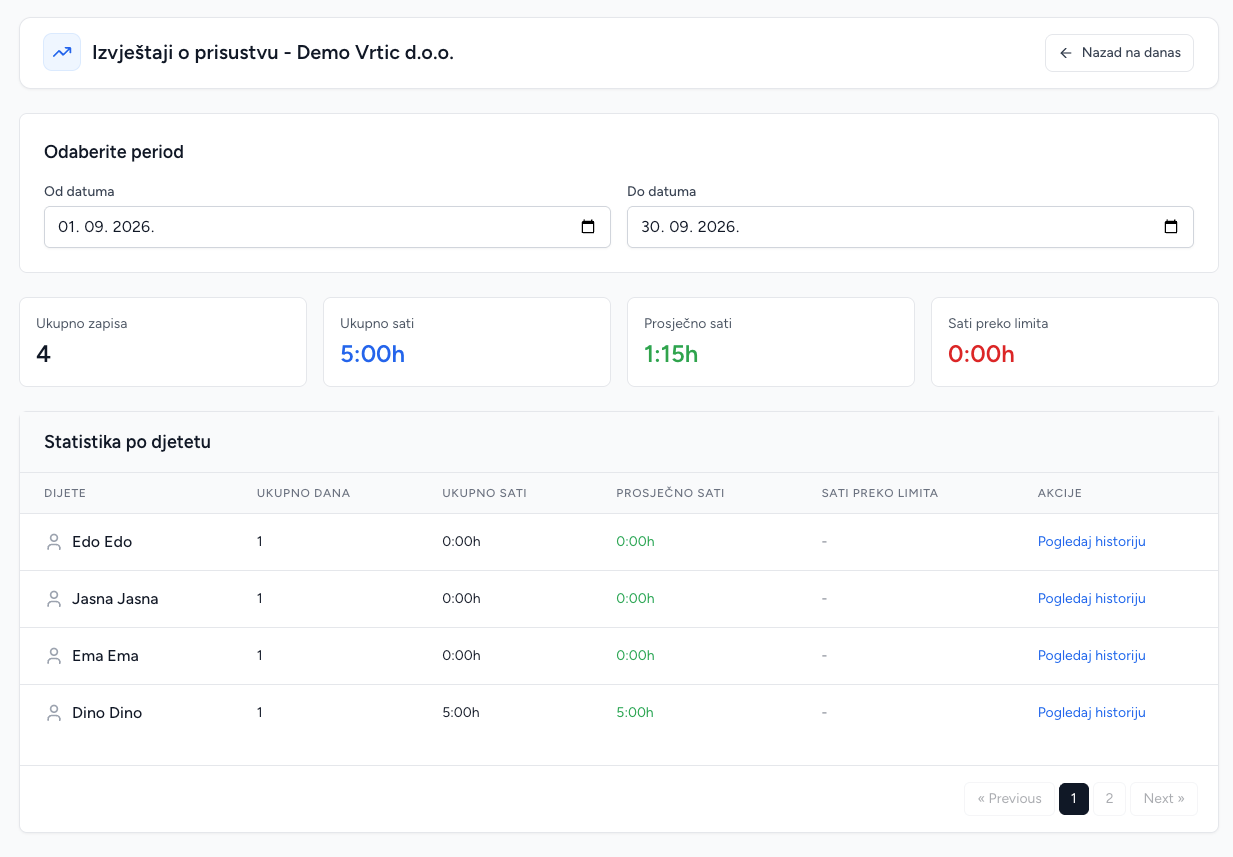
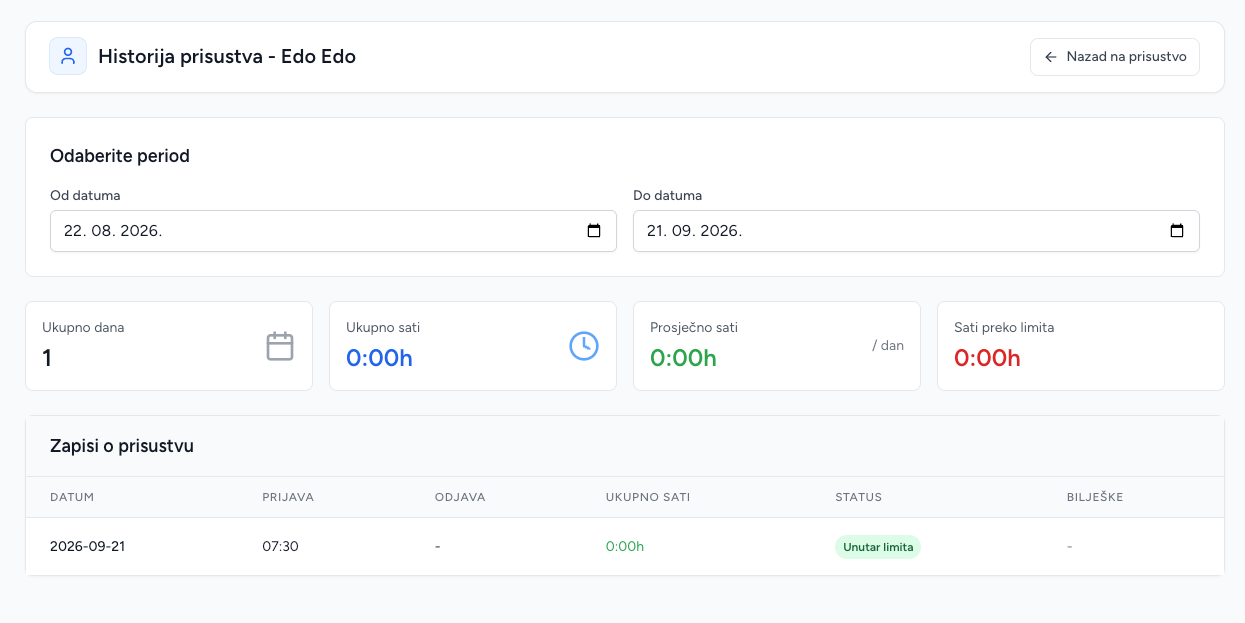
Reports accept a date range and group records per child. They show attendance days, total hours, average hours and hours above the kindergarten limit, plus overall totals. Child history provides the same style of statistics for one child, with a default recent-period range.
Daily limit and notifications
The daily limit is maintained on the Kindergarten page. Brundo Admin highlights attendance that is approaching the limit and can notify parents as pickup time approaches.
Screenshots