Brundo Admin
Invoices
View kindergarten invoices and download invoice PDFs.
Invoices
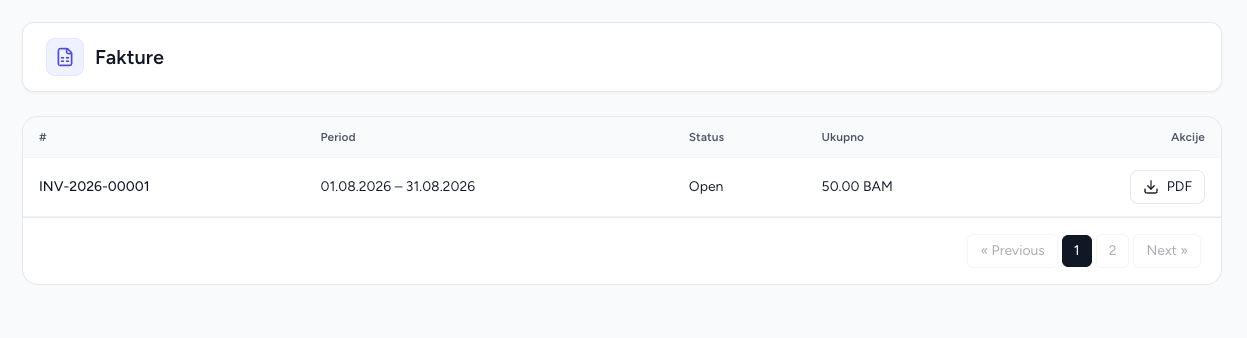
Invoices provides a read-only overview of your kindergarten's invoices and PDF downloads.
Use the module
- Open Invoices.
- Review invoice number/date, period, status, totals and currency.
- Open an invoice when more detail is needed.
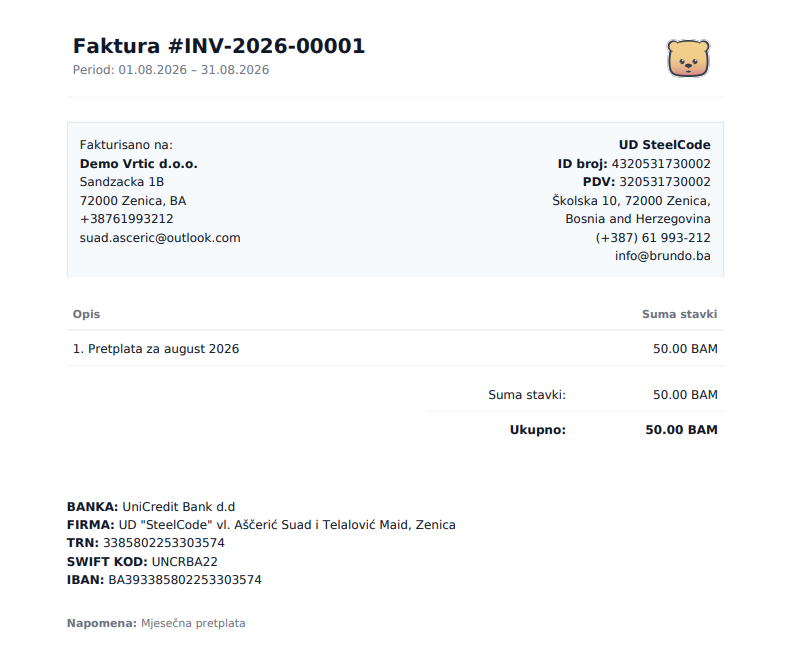
- Download the PDF from the invoice action.
Invoice creation, editing and deletion are Super Admin operations. Brundo Admin should contact the platform administrator when billing data is incorrect or a new invoice is required.
Screenshots