Brundo Admin
Groups
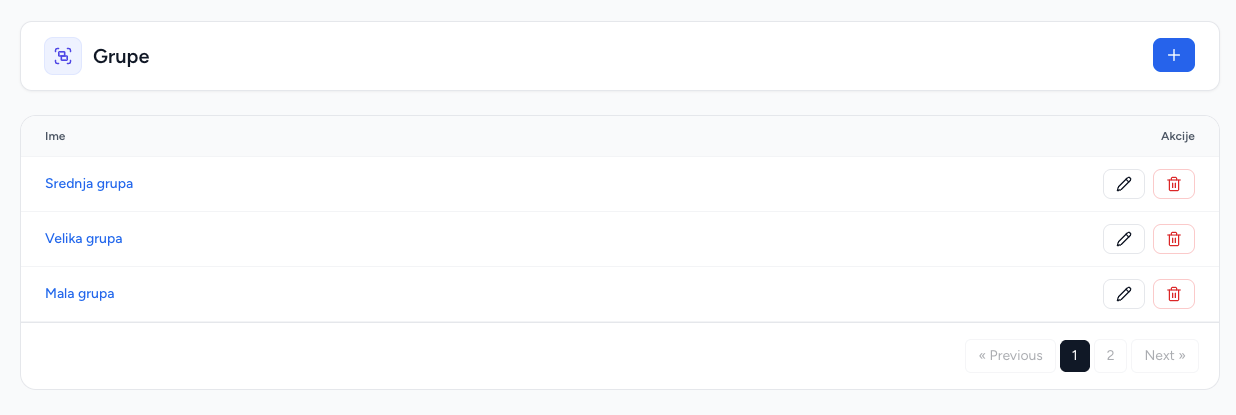
Create chat groups and control their membership and parent-chat setting.
Groups
Groups are chat rooms used to target communication. Events and registration codes can be assigned to groups, so groups should normally be configured before codes and events.
Create a group
- Open Groups and choose Add group.
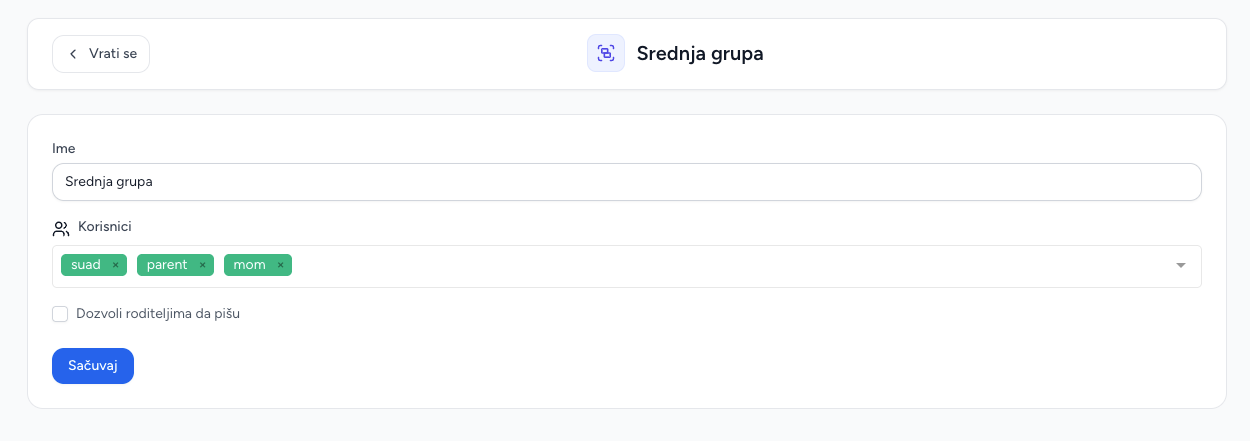
- Enter a group name.
- Upload an optional group image.
- Select users, or enable the option to add all kindergarten users.
- Save.
The creator is automatically added to the group. Selected users are attached to the room; duplicate membership is skipped during creation.
Edit membership and parent chat
Edit a group to replace its member list, change the name or image, and set whether parents may chat in that room. Updating membership replaces the saved membership set with the submitted selection, so include every user who should remain.
Delete
Deleting a group removes the room from the admin list and affects any event or code assignment that depended on that room. Check active communications before deleting.
Screenshots