Codes
Codes
Codes are one-time registration invitations. They are the bridge between a Brundo Admin's setup and a user's Brundo App account.
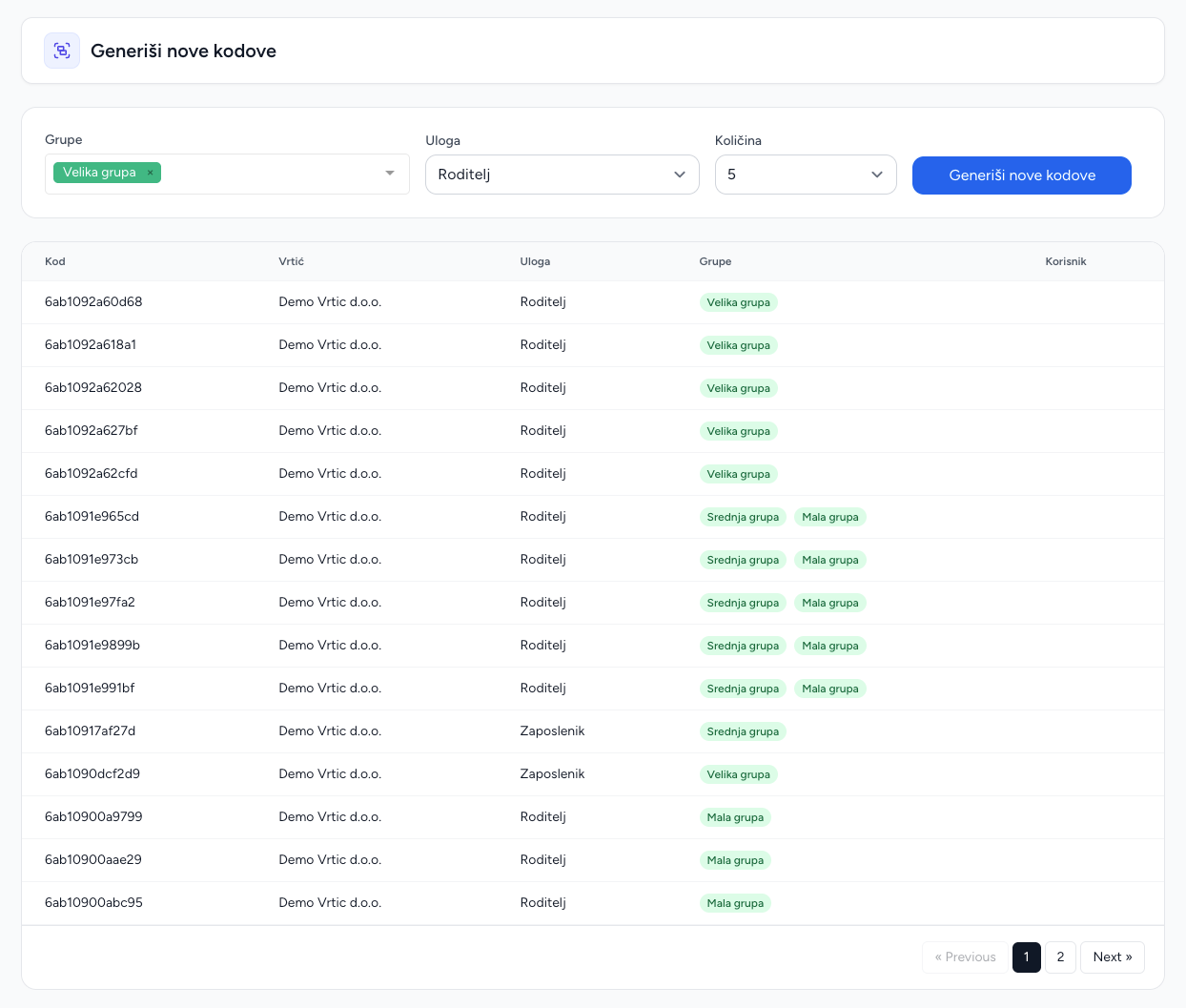
Generate codes
- Open Codes.
- Select the account type: administrator, employee or parent.
- Choose the quantity.
- Select the groups the new account should join.
- Generate and copy the displayed codes securely.
Each code belongs to your kindergarten and can include selected groups. The list shows whether a code has already been used.
What happens during registration
The recipient uses the code when creating their Brundo App account. Their account is set up for your kindergarten and joins the groups selected with the code. A code can be used once only. If someone cannot register, check that they received the correct unused code and have chosen an available username.
Operational rules
Treat codes as credentials. Give each code to one intended person, avoid screenshots in public channels, and verify the user's account type and groups under Users and Groups. A replacement code does not remove an account that has already been created.
Screenshots