
Brundo Admin
Password requests
Help a parent or employee safely reset their Brundo password.
Password requests
When a parent or employee cannot access their account, they can request a password reset. Open Password requests from the Dashboard to review requests waiting for action.

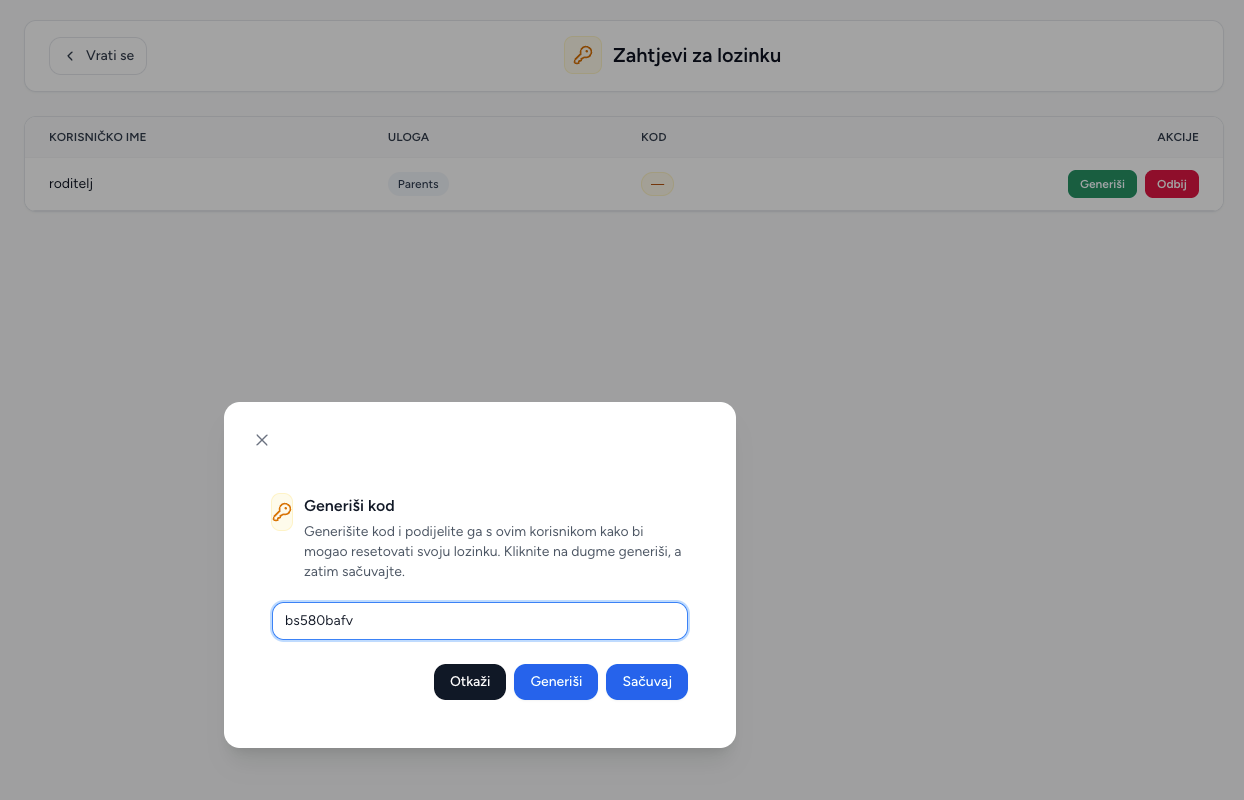
Create and share a reset code
- Find the person in the list and select Generate.
- Enter a code yourself or use the option in the dialog to create one.
- Save the code.
- Share the code only with the account holder using your approved contact method.
- The person enters the code while resetting their password in Brundo.
The generated code is shown in the list and can be copied when it needs to be shared again.
Reject a request
Choose Reject when a request is no longer needed or cannot be confirmed. Confirm the decision in the dialog. The request is removed from the list.
Good practice
Check the person's identity before sharing a reset code. Do not post reset codes in group messages or leave them visible where other people can access them.