Cross-cutting workflows
Cross-cutting workflows
Registration-code to group flow
Create groups first, then generate a registration code with the appropriate account type and groups. The recipient uses the code to join your kindergarten in Brundo App. Confirm the new user's account type and groups in Brundo Admin.
Content visibility flow
Use the visibility option to publish or hide news. Events are visible only to selected groups. Menus are shared as weekly information. Posts created by your team are published immediately, while parent posts require approval before appearing in Brundo App.
Parent-signed event flow
Share the event with the relevant groups. A parent can respond in Brundo App, add a message and provide a signature. Review all responses and signatures in the event attendee list.
Attendance and absence relationship
Attendance measures time physically spent in the kindergarten. Absence records explain non-attendance across a date range. The dashboard aggregates absence weekdays while Attendance reports use recorded check-in/out minutes. Do not interpret an absence total as an attendance-hour total.
Support and troubleshooting checklist
- User cannot register: confirm that the code is unused and was shared with the intended person.
- User has wrong groups: update the user's group membership in Groups.
- Event is missing: verify that the user belongs to one of the selected groups and check the event date.
- Parent post is missing: check Pending approval.
- Attendance warning is wrong: check the kindergarten daily limit and whether the record is still active.
- Absence total is unexpected: check date intersection and remember that only weekdays count.
- Parent cannot see a child: check the parent-child relationship in Users.
Profile and messages
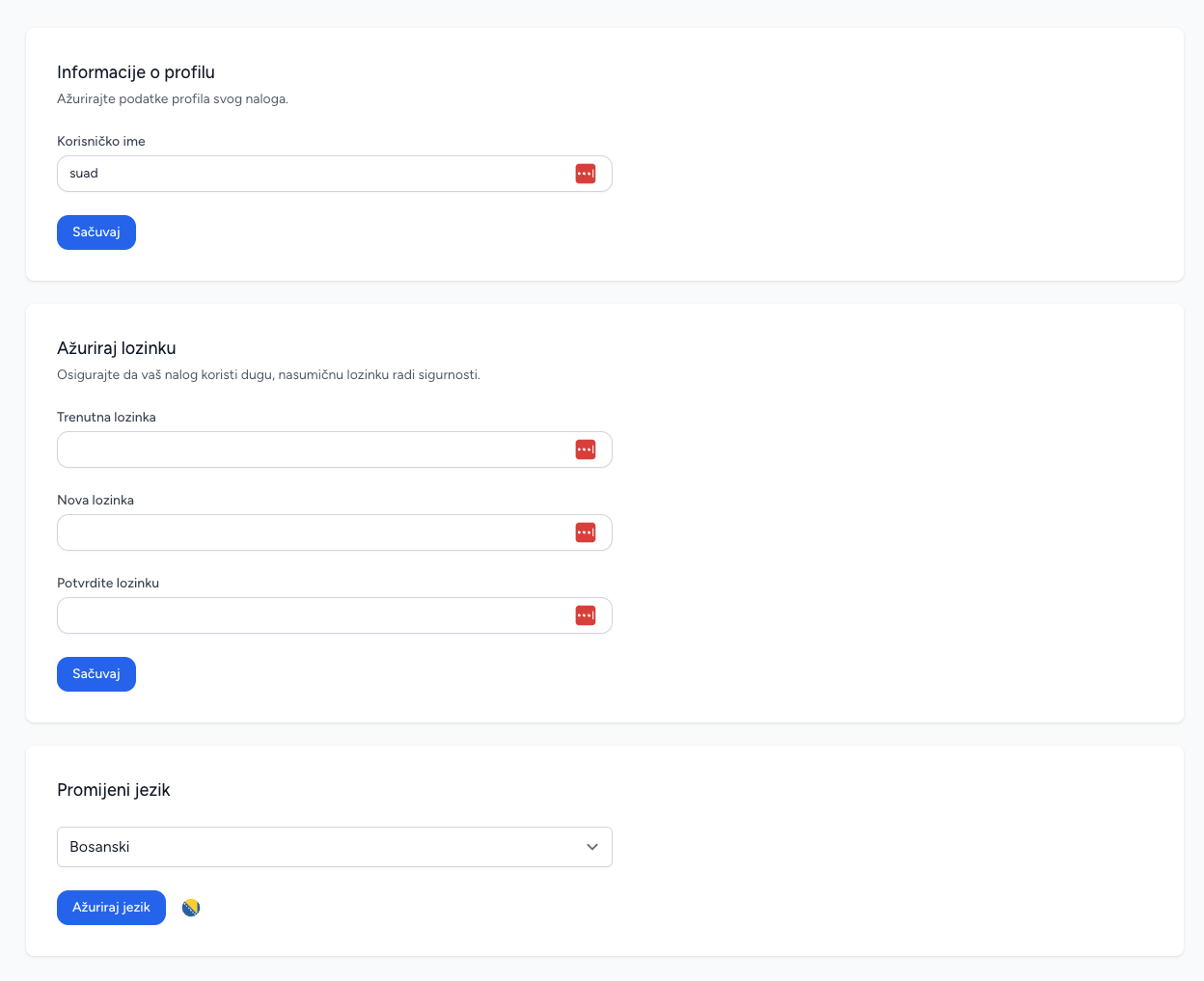
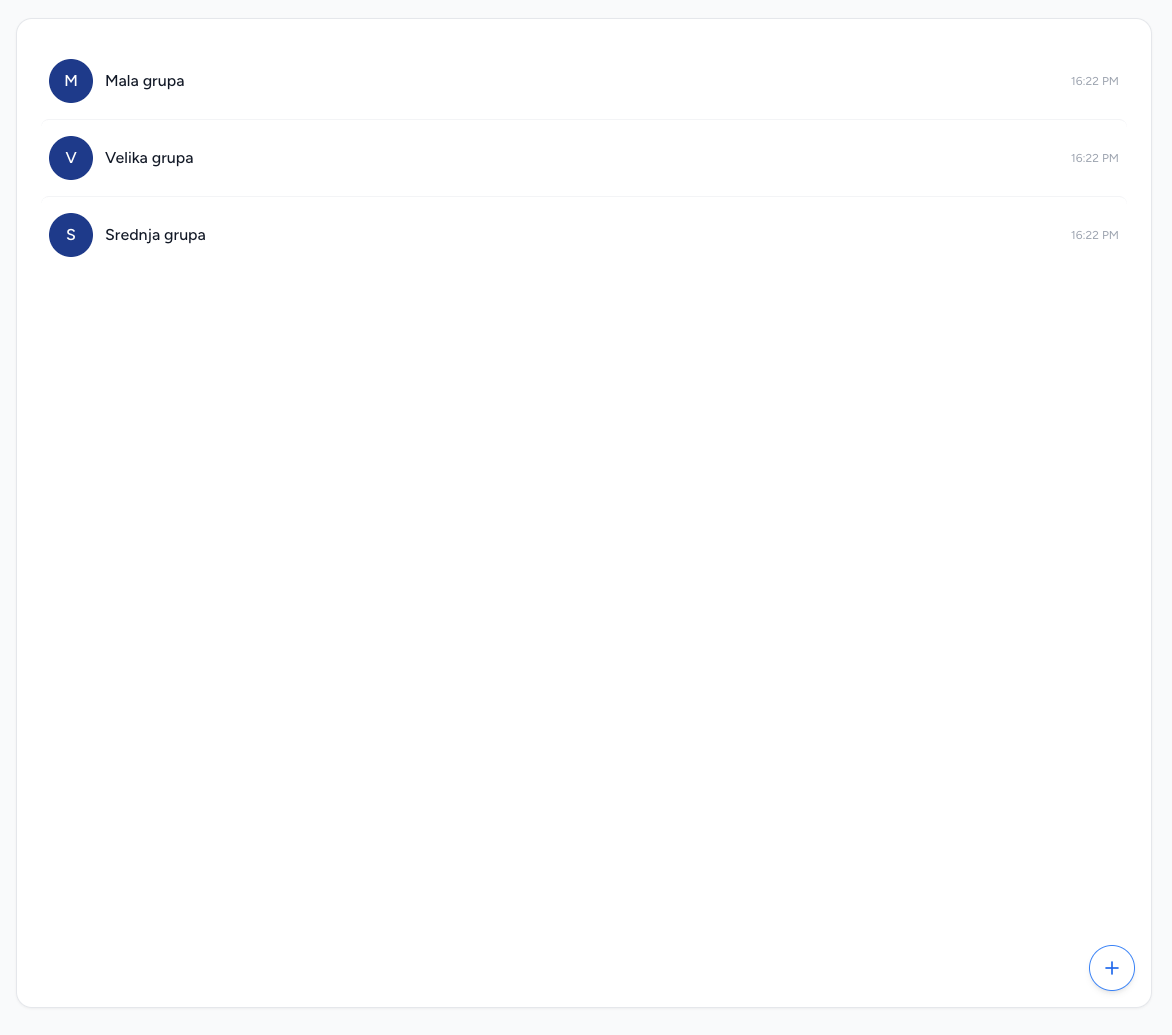
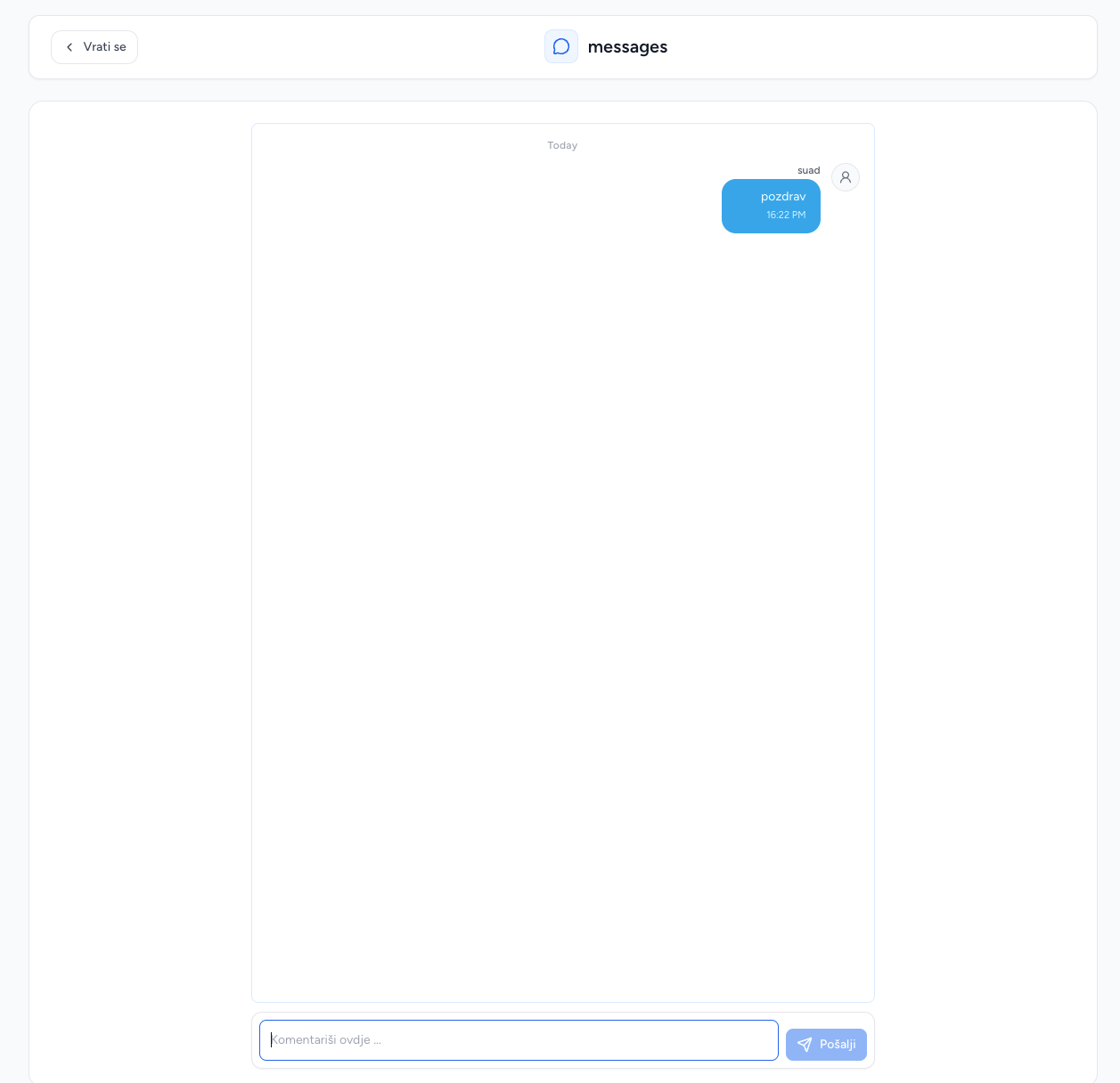
Use the profile menu to update your profile details, password and display language. The messages area provides direct access to group conversations and individual messages.