Brundo Admin
Children
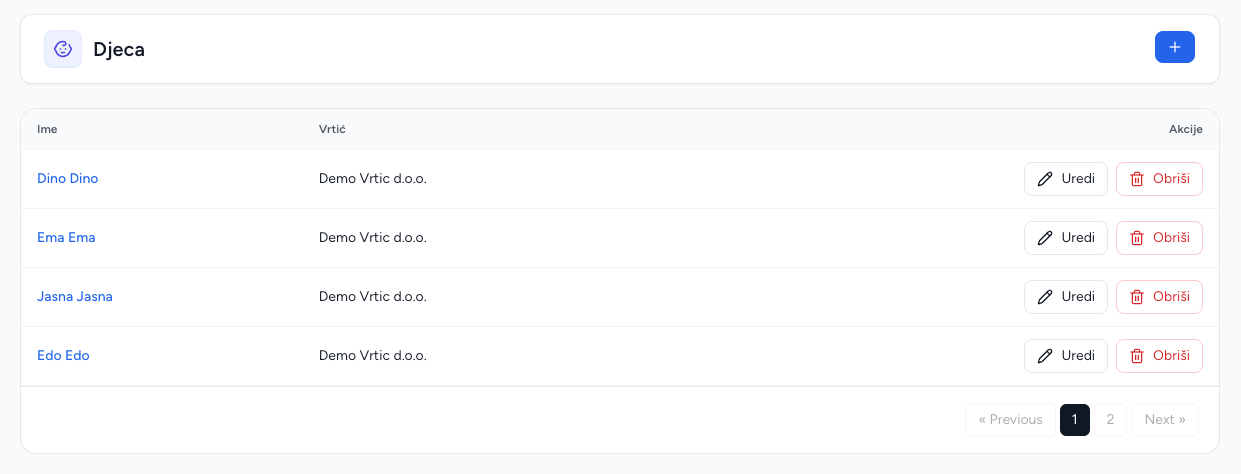
Maintain child records used by parents, attendance and absences.
Children
Children are the central records shared by parent relationships, attendance and absence tracking.
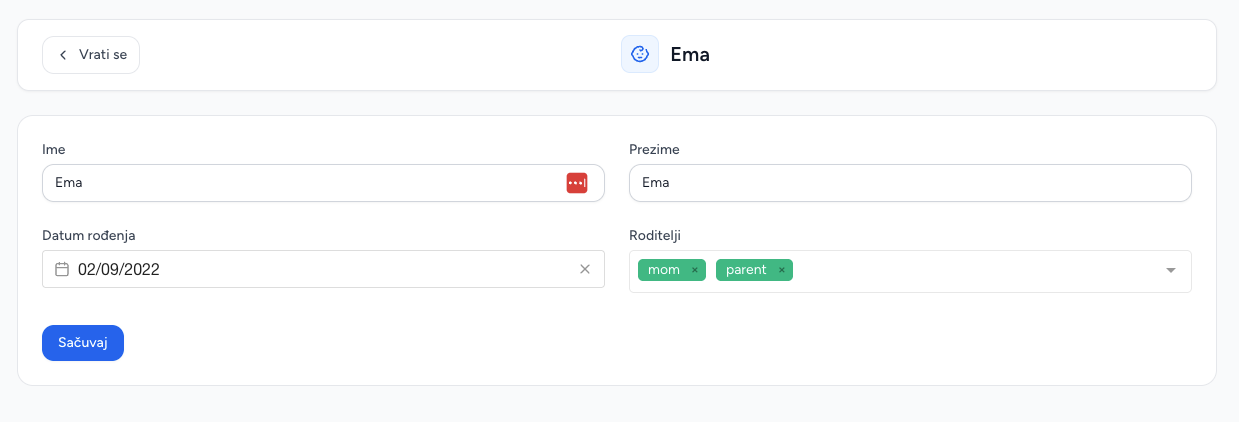
Create a child
- Open Children and choose Add child.
- Enter first name, last name and birthday.
- Assign the kindergarten.
- Save.
The child becomes available in Absences and Attendance and can be linked to parent accounts from the Users workflow.
Edit and delete
Use the row action to edit personal data or delete a record. Deletion can affect attendance history, absence records and parent links, so review these before deleting.
Parents view their linked children in Brundo App; use Brundo Admin to maintain the kindergarten's child records.
Screenshots