
Brundo App
Attendance
Check children in and out when your staff role allows it.
Attendance
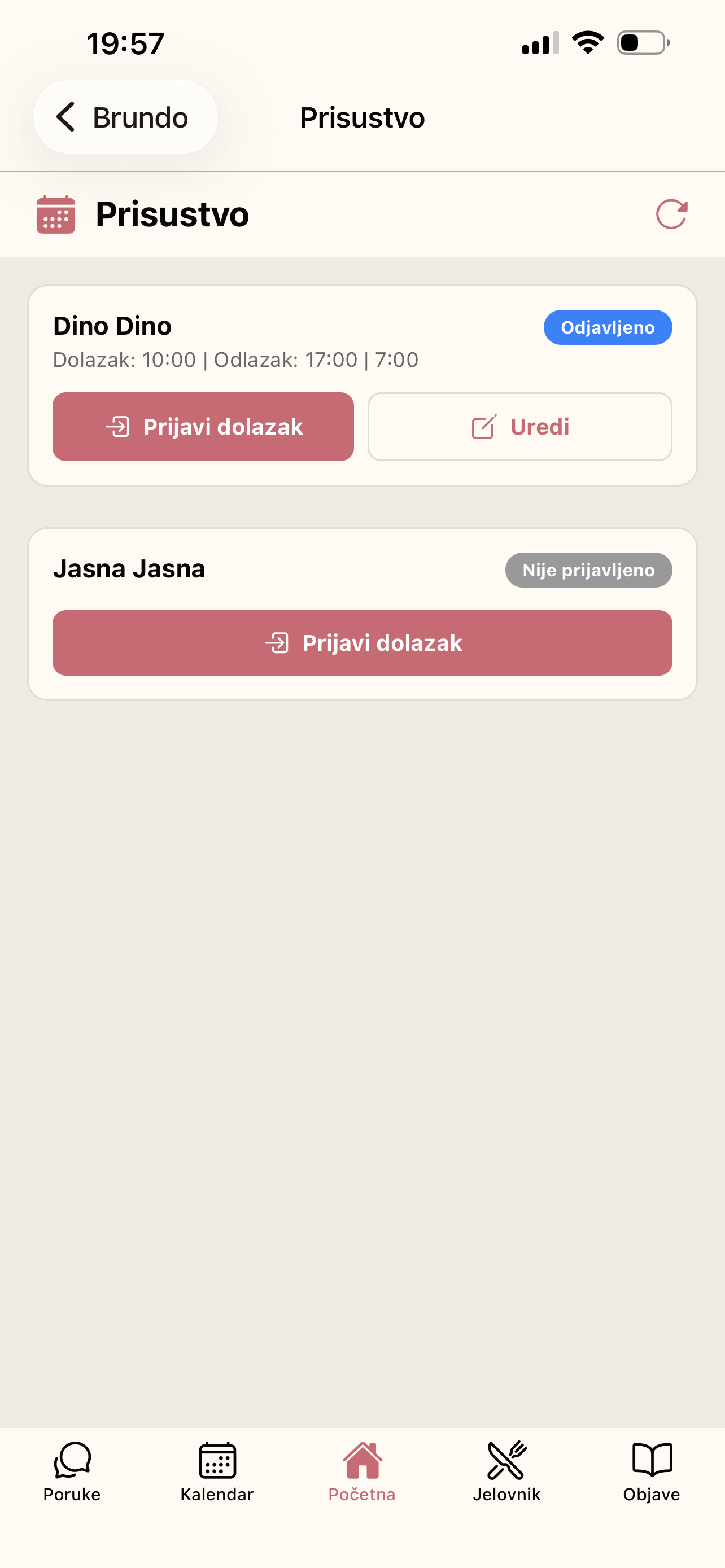
Staff accounts can open Attendance from the drawer. The page lists children in the staff member's groups and their current status.
Daily workflow
- Find the child in the list.
- Select Check In when the child arrives.
- Select Check Out when the child leaves.
- Use Edit only when an attendance time needs correction.
The list distinguishes active, checked-out and not-checked-in children. It can also flag duration approaching or exceeding the kindergarten's configured daily limit. Attendance is not shown in the drawer for parent accounts.