
Brundo App
Posts
Read, create, comment on and moderate community posts.
Posts
The Posts tab is the kindergarten community feed. Pull down to refresh or continue scrolling to load more posts.
Create and manage a post
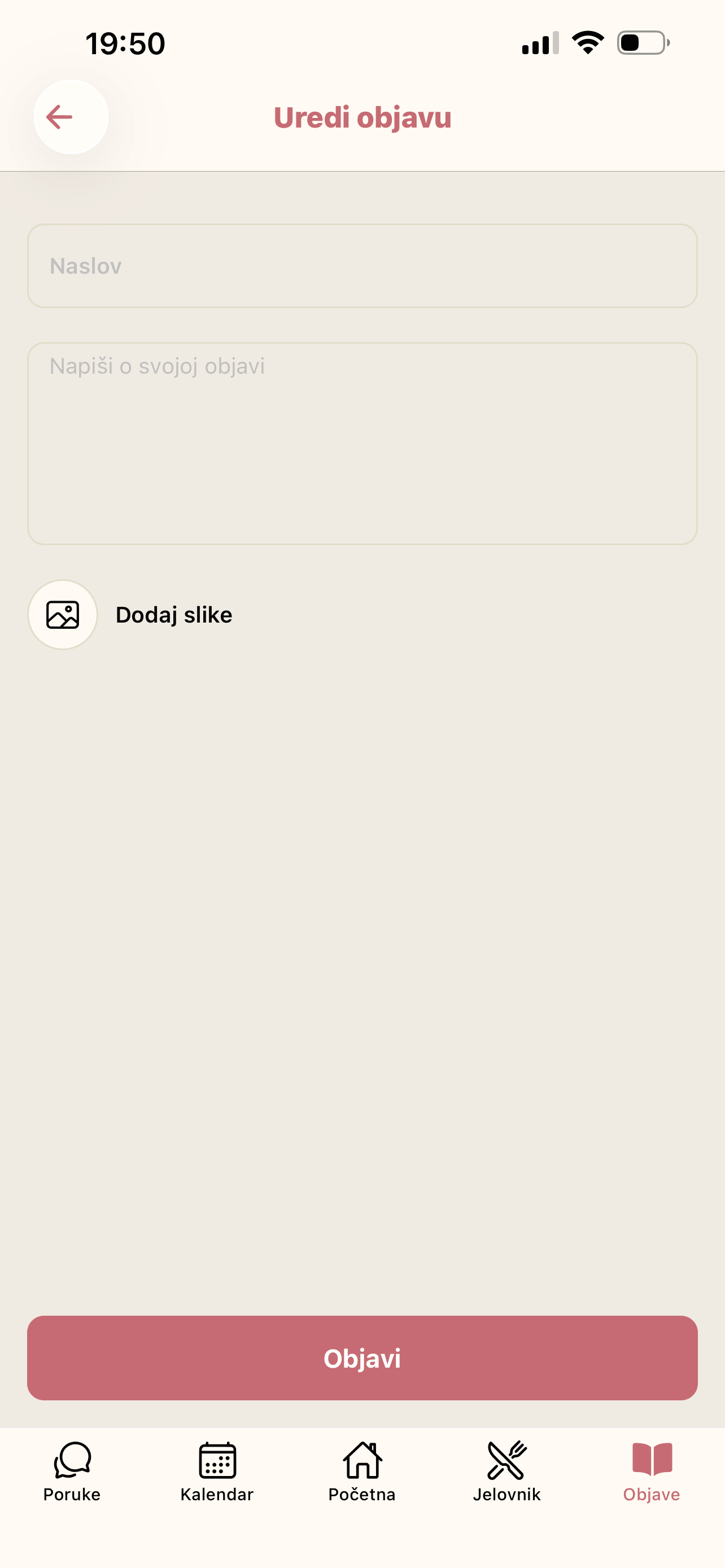
Use the add button to write a title and message, optionally attach images, and publish. Open your post's options to edit or delete it.
Comments and safety tools
Open View comments to read and add comments. From another user's post options, you can report the post with a reason or block the user. Blocked users can later be managed from Blocked users.
Posts may be marked pending until the kindergarten approves them. Share only suitable, relevant content.