Blackboards
Blackboards
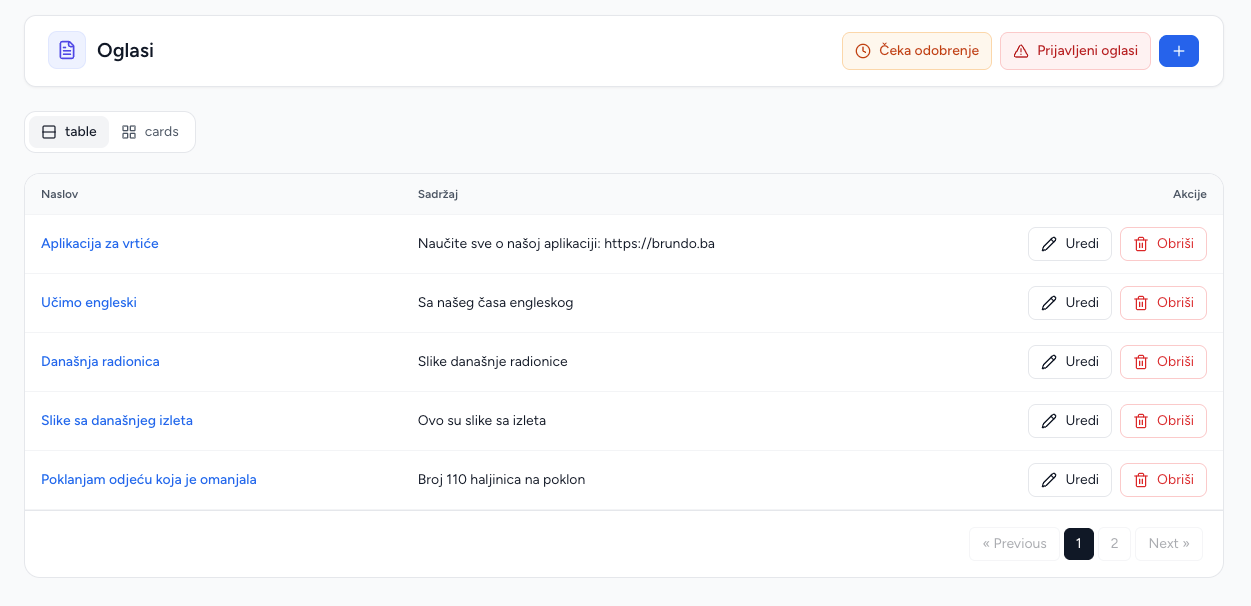
Blackboards are the kindergarten social/content feed. Posts may include multiple images and can be reported by users.
Create a post
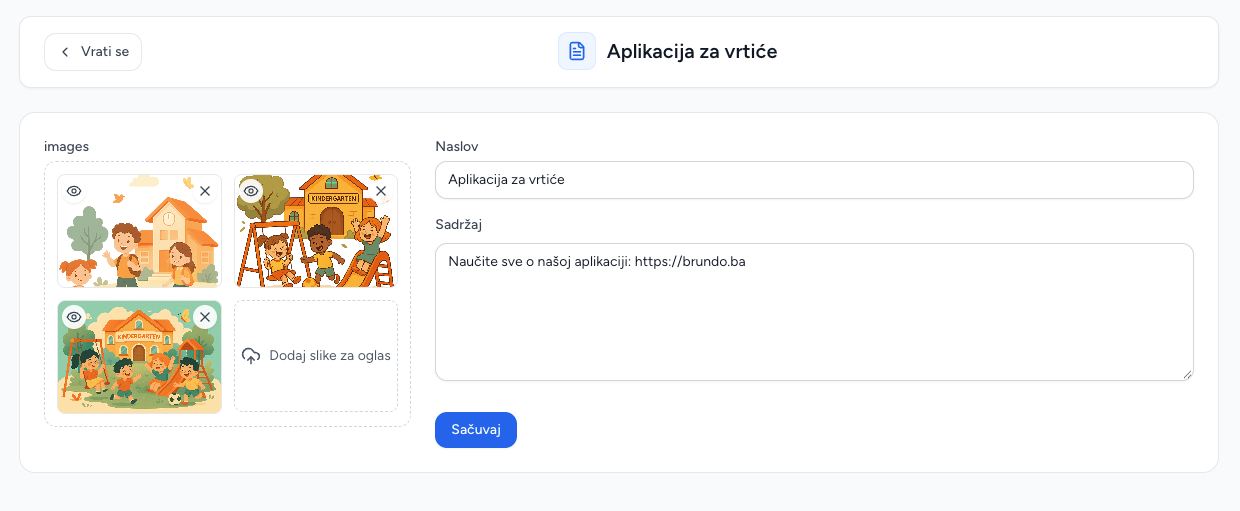
- Open Blackboards and choose Add post.
- Enter a title and content.
- Upload one or more images if needed.
- Save.
Posts created by your team are published immediately. Parent posts wait for approval before they appear in Brundo App.
Pending approval
Open the pending view to review parent-created posts. Approve publishes the post in Brundo App. Reject deletes it. Review the title, content and images before approving.
Reported posts
The reported view lists the post, report reason and number of reports. Investigate the content, then either delete the post or dismiss the reports. Dismissing reports leaves the post in place.
Images and editing
Edit a post's title and content. Existing images can be removed and new images uploaded separately. Deleting a post permanently removes it from Brundo Admin and Brundo App.
Parent behavior
Parents can create posts, comments and reports in Brundo App. Review the moderation queue regularly as part of the normal publishing workflow.
Screenshots