Brundo Admin
Menus
Publish weekly breakfast, lunch and snack menus with allergen information.
Menus
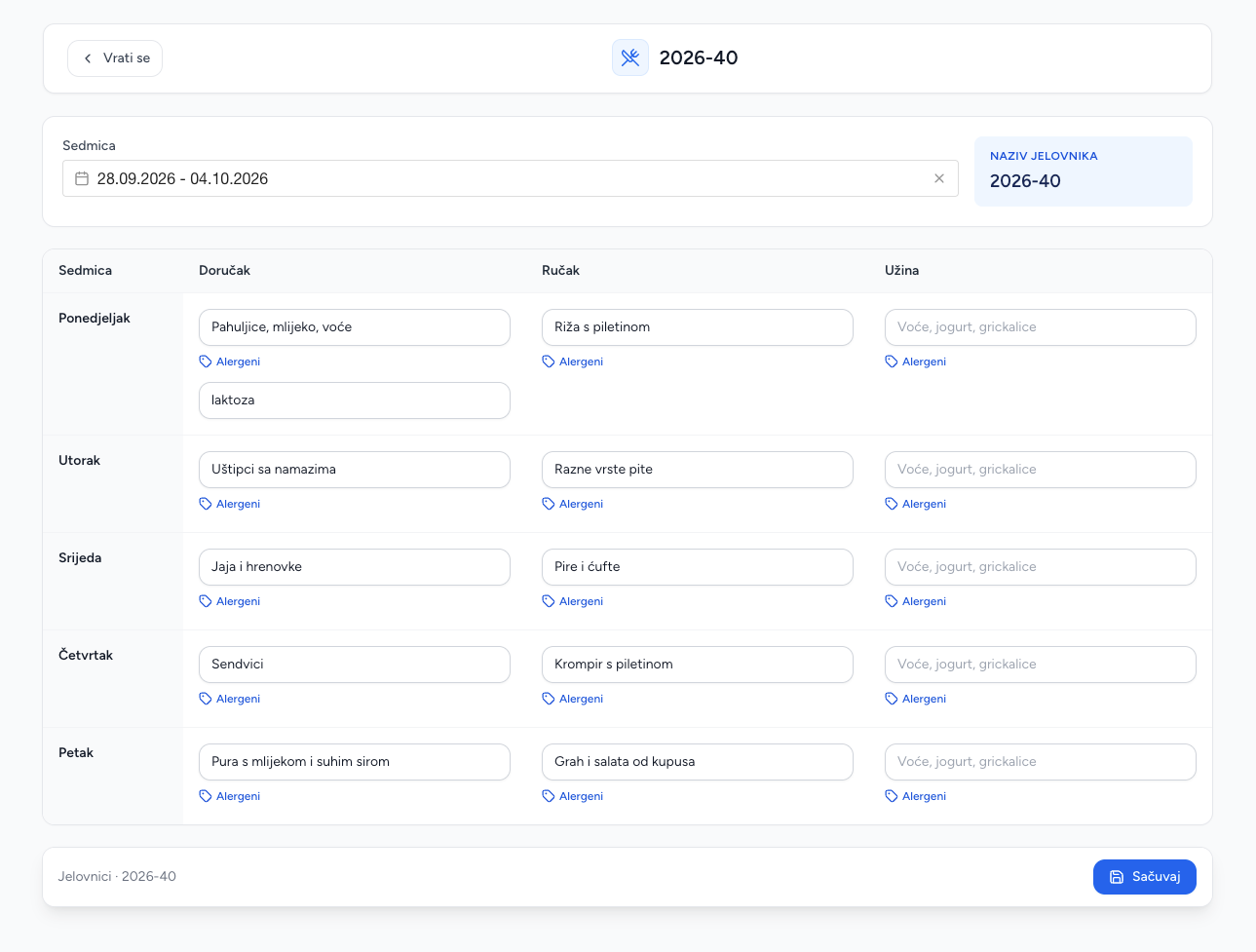
Menus describe the kindergarten's food plan for a week. A menu contains a name, date range/week and structured entries for Monday through Friday.
Create a weekly menu
- Open Menus and choose New menu.
- Enter the menu name and week/date range.
- For Monday–Friday, enter breakfast, lunch and snack.
- Add allergens for each meal, separated as instructed in the form.
- Save.
Enter breakfast, lunch and snack together with the relevant allergen information for every weekday.
Maintain menus
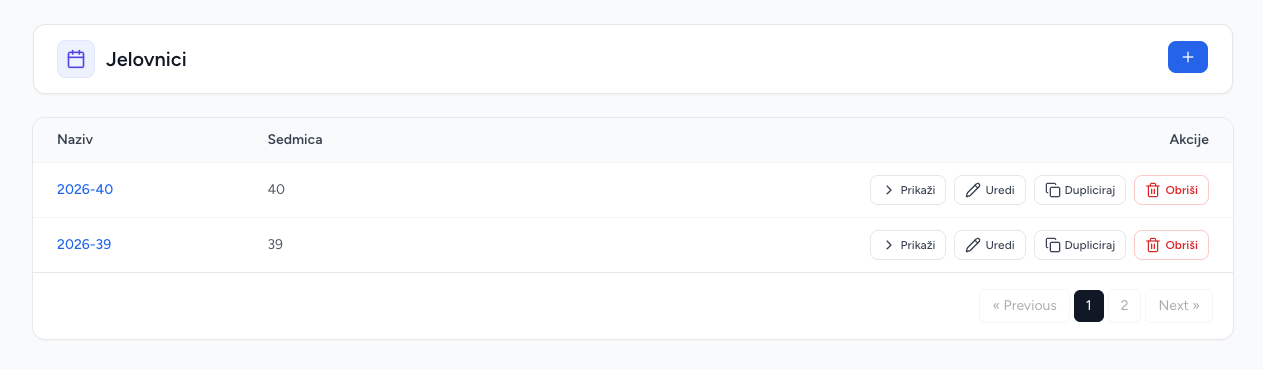
The list shows the menu name and week. Edit to correct a meal or allergen. Delete permanently removes the weekly menu. Published menus are available in Brundo App.
Good practice
Keep names unambiguous, use a consistent allergen format, and update the menu before the week starts. Treat allergen information as operationally important and verify it before saving.
Screenshots