Brundo Admin
News
Create and control kindergarten news visibility.
News
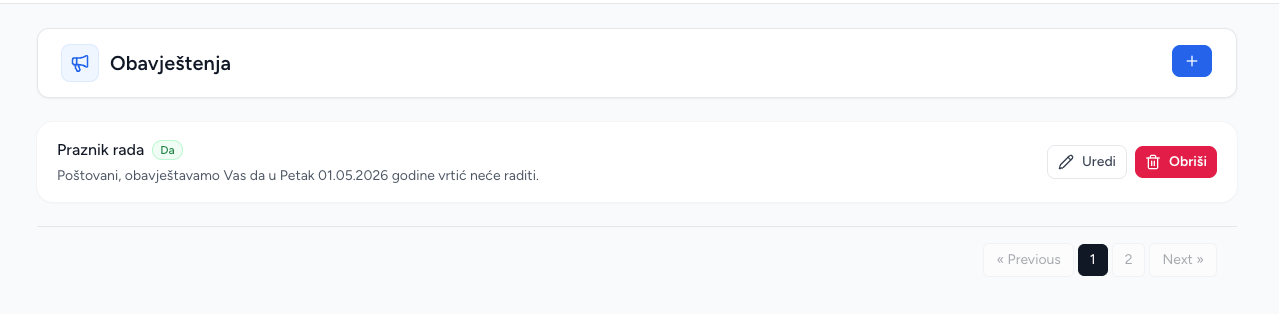
News is for announcements that are not calendar events. Each item has a title, description and visibility flag.
Create and publish
- Open News and choose Add news.
- Enter a clear title and the announcement text.
- Set the visibility/show option.
- Save.
The visibility option controls whether the news item appears in Brundo App. Use it to prepare content before publishing or to hide an old announcement without deleting it.
Edit and delete
Edit the title, text or visibility from the list. Delete permanently removes the announcement. News is shared with the kindergarten rather than selected groups.
Screenshots